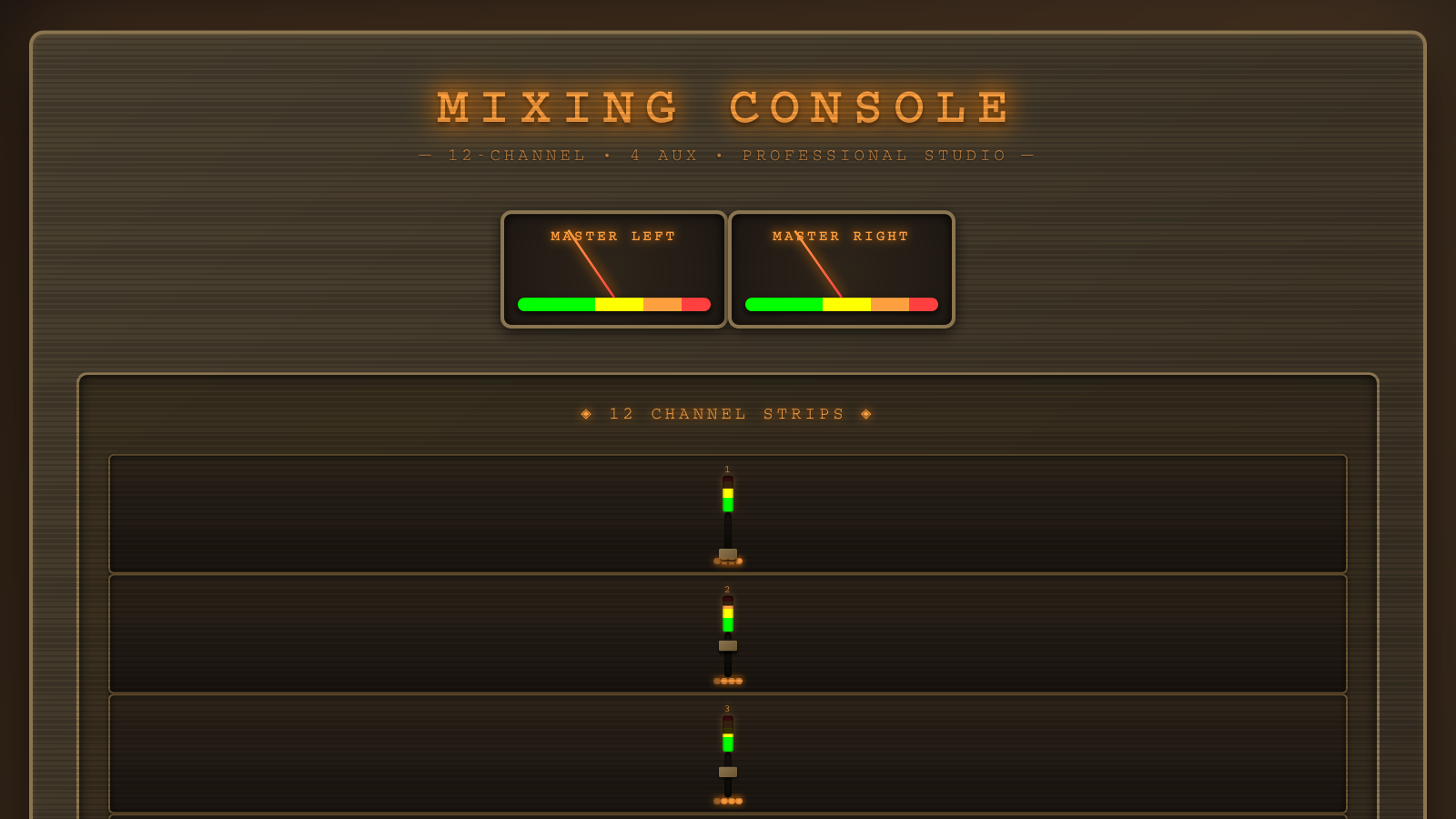
This interactive console is both an educational tool and a tribute to the engineers who invented dub. By making professional console architecture interactive and visual, we reveal the intelligence and creativity behind the mixing desk—showing that dub’s “magic” was actually sophisticated audio engineering.
Loading 24 audio tracks...
0/24 loaded
LEFT
RIGHT
AUX 1 - REVERB
SIZE/DECAY
20m / 2.0s
LEVEL
100%
AUX 2 - DELAY
TIME
FEEDBACK
35%
LEVEL
100%
AUX 3 - REVERB 2
SIZE
30m
LEVEL
100%
AUX 4 - STEREO DELAY
TIME L
TIME R
CROSS-FB
20%
LEVEL
100%
🎚️ 24-CHANNEL MIXING CONSOLE
1. Complete Console Architecture — Studio Mixer Topology
Main Signal Path
Aux Send Paths
Stereo Monitoring
2. Single Channel Strip — Complete Signal Path
Channel strip signal flow:
1. Audio source enters channel gain (controlled by fader)
2. Signal splits to PPM meter and aux sends simultaneously
3. Aux sends are pre-fader but respect mute/solo state
4. Main signal continues through stereo panner
5. Panned signal feeds master bus for final mix
6. Each channel contributes to 4 independent aux buses
1. Audio source enters channel gain (controlled by fader)
2. Signal splits to PPM meter and aux sends simultaneously
3. Aux sends are pre-fader but respect mute/solo state
4. Main signal continues through stereo panner
5. Panned signal feeds master bus for final mix
6. Each channel contributes to 4 independent aux buses
3. Aux Send Architecture — Pre-Fader Parallel Sends
Why pre-fader aux sends?
Pre-fader aux sends are standard in professional mixing consoles because they allow you to send a consistent level to effects regardless of the channel fader position. This is essential for creating reverb/delay tails that maintain their character even when you pull the fader down. In live sound, this prevents effects from disappearing when you lower a channel.
Pre-fader aux sends are standard in professional mixing consoles because they allow you to send a consistent level to effects regardless of the channel fader position. This is essential for creating reverb/delay tails that maintain their character even when you pull the fader down. In live sound, this prevents effects from disappearing when you lower a channel.
4. Effect Processing Detail — All 4 Aux Effects
AUX 1: SPRING REVERB
AUX 2: DELAY
AUX 3: PLATE REVERB
AUX 4: STEREO DELAY
Effect Return Architecture:
All four effects have independent return gains that control how much of the processed signal is mixed back into the master bus. This allows you to dial in the perfect amount of each effect. The plate reverb (Aux 3) has an 8x gain boost at its return to compensate for the synthetic IR's lower output level.
All four effects have independent return gains that control how much of the processed signal is mixed back into the master bus. This allows you to dial in the perfect amount of each effect. The plate reverb (Aux 3) has an 8x gain boost at its return to compensate for the synthetic IR's lower output level.
5. Master Section — Final Mix & Metering
6. Mute/Solo Logic — Professional Mixing Behavior
Professional solo logic:
This console implements "solo-in-place" behavior — when you solo a channel, all other channels are muted, but the soloed channel plays through its normal signal path (including pan, fader, and aux sends). This is different from "PFL" (pre-fade listen) where the soloed signal bypasses the fader.
This console implements "solo-in-place" behavior — when you solo a channel, all other channels are muted, but the soloed channel plays through its normal signal path (including pan, fader, and aux sends). This is different from "PFL" (pre-fade listen) where the soloed signal bypasses the fader.
7. Code Implementation — Audio Graph Construction
// MASTER CHAIN
masterGain = audioContext.createGain();
masterGain.gain.value = 1.0;
masterGain.connect(audioContext.destination);  // Direct to speakers

// AUX BUSES (shared mix points for all channels)
aux1Bus = audioContext.createGain();  // Spring reverb bus
aux2Bus = audioContext.createGain();  // Delay bus
aux3Bus = audioContext.createGain();  // Plate reverb bus
aux4Bus = audioContext.createGain();  // Stereo delay bus

// EFFECTS (with return gains)
reverbNode = await createReverb();           // Convolution spring reverb
delayNode = createDelay();                   // Feedback delay
reverb2Node = createReverb2();               // Synthetic plate reverb
stereoDelayNode = createParallelStereoDelay(); // Cross-feedback stereo

// EFFECT RETURNS (independent level control)
const reverbReturn = audioContext.createGain();
const delayReturn = audioContext.createGain();
const reverb2Return = audioContext.createGain();
const stereoDelayReturn = audioContext.createGain();

reverbReturn.gain.value = 1.0;        // 100% return level
delayReturn.gain.value = 1.0;         // 100% return level
reverb2Return.gain.value = 8.0;       // 800% return (boost plate)
stereoDelayReturn.gain.value = 1.0;   // 100% return level

// EFFECT ROUTING (aux buses → effects → returns → master)
aux1Bus.connect(reverbNode);
reverbNode.connect(reverbReturn);
reverbReturn.connect(masterGain);

aux2Bus.connect(delayNode.input);
delayNode.output.connect(delayReturn);
delayReturn.connect(masterGain);

aux3Bus.connect(reverb2Node);
reverb2Node.connect(reverb2Return);
reverb2Return.connect(masterGain);

aux4Bus.connect(stereoDelayNode.input);
stereoDelayNode.output.connect(stereoDelayReturn);
stereoDelayReturn.connect(masterGain);

// CHANNEL STRIP (repeated for each of 24 channels)
for (let i = 1; i <= 24; i++) {
  const gain = audioContext.createGain();
  const panNode = audioContext.createStereoPanner();
  const ppmAnalyser = audioContext.createAnalyser();

  // Create 4 aux sends per channel
  const aux1Send = audioContext.createGain();
  const aux2Send = audioContext.createGain();
  const aux3Send = audioContext.createGain();
  const aux4Send = audioContext.createGain();

  aux1Send.gain.value = 0.0;  // Start silent
  aux2Send.gain.value = 0.0;
  aux3Send.gain.value = 0.0;
  aux4Send.gain.value = 0.0;

  // CHANNEL ROUTING
  gain.connect(ppmAnalyser);    // To meter
  gain.connect(aux1Send);       // To aux 1
  gain.connect(aux2Send);       // To aux 2
  gain.connect(aux3Send);       // To aux 3
  gain.connect(aux4Send);       // To aux 4
  gain.connect(panNode);        // To panner
  panNode.connect(masterGain);  // To master bus

  // Connect aux sends to aux buses
  aux1Send.connect(aux1Bus);
  aux2Send.connect(aux2Bus);
  aux3Send.connect(aux3Bus);
  aux4Send.connect(aux4Bus);

  channels.push({
    gain, panNode, ppmAnalyser,
    aux1Send, aux2Send, aux3Send, aux4Send,
    trackNumber: i
  });
}

// VU METER MONITORING (parallel to main output)
splitterNode = audioContext.createChannelSplitter(2);
const analyserLeft = audioContext.createAnalyser();
const analyserRight = audioContext.createAnalyser();

masterGain.connect(splitterNode);
splitterNode.connect(analyserLeft, 0, 0);   // Left channel
splitterNode.connect(analyserRight, 1, 0);  // Right channel
8. Console Features Summary
| Feature | Specification | Details |
|---|---|---|
| Channels | 24 mono input channels | Each with full channel strip (gain, pan, mute, solo, 4 aux sends, PPM meter) |
| Aux Buses | 4 independent aux sends | Pre-fader, respect mute/solo, individual level per channel |
| Effects | 4 built-in processors | Spring reverb (convolution), Delay, Plate reverb, Stereo delay |
| Fader Range | -∞ to +10dB | Unity at 2/3 position, logarithmic taper, professional console curve |
| Pan Range | -135° to +135° (270° total) | Constant power panning, smooth stereo positioning |
| Metering | PPM + VU meters | PPM per channel (fast), VU on master (analog ballistics) |
| Master Section | Stereo master fader + mute | Sums all channels + all FX returns, VU monitoring |
| File Upload | Per-channel audio replacement | Dynamic track swapping, hot-swap while playing |
| Transport | Play/Stop/Loop | Synchronized playback across all 24 tracks |
9. Professional Console Comparison
This Console vs. Real Studio Consoles
✓ Features Implemented
- Pre-fader aux sends (industry standard)
- Professional fader curve (unity at 2/3)
- Solo-in-place behavior
- Independent FX return gains
- PPM metering per channel
- VU metering on master (analog ballistics)
- Stereo panning (constant power)
- Mute priority over solo
- 24-track multitrack playback
- Synchronized transport control
⚠ Simplified from Real Consoles
- No EQ on channel strips
- No dynamics (compression/gate)
- No direct outputs per channel
- No subgroups/buses
- Fixed FX chain (4 effects only)
- No insert points
- Pre-fader aux only (no post option)
- No automation (manual control only)
Real-world equivalents:
This console architecture is similar to classic analog consoles like the Allen & Heath GL2400, Soundcraft Spirit, or Mackie 8-Bus series — straightforward signal path, aux send/return design, and professional gain structure. Perfect for learning multitrack mixing fundamentals!
This console architecture is similar to classic analog consoles like the Allen & Heath GL2400, Soundcraft Spirit, or Mackie 8-Bus series — straightforward signal path, aux send/return design, and professional gain structure. Perfect for learning multitrack mixing fundamentals!
10. Summary: 24-Channel Studio Console
This is a fully functional 24-channel digital mixing console with professional-grade signal routing and effects processing. Each of the 24 channels has complete control over its contribution to the mix, with independent gain, pan, mute, solo, and four aux send levels.
Signal Flow Summary:
1. 24 Audio Sources → Each channel has its own audio buffer
2. Channel Processing → Gain (fader), Mute/Solo logic
3. Parallel Aux Sends → 4 independent sends per channel (pre-fader)
4. Aux Buses → All 24 channels mix to shared aux buses
5. Effects Processing → Spring reverb, Delay, Plate reverb, Stereo delay
6. Effect Returns → Independent return gains for each effect
7. Stereo Panning → Position each channel in stereo field
8. Master Bus → All channels + all FX returns sum here
9. Master Fader → Final level control with mute
10. VU Metering → Analog-style stereo output metering
11. Speakers → Stereo audio output
Key Design Decisions:
• Pre-fader aux sends: Effects maintain consistent level regardless of channel fader position
• Mute/solo logic: Mute always wins, solo mutes non-soloed channels
• Professional fader curve: Unity gain at 2/3 position, logarithmic taper
• Independent FX returns: Each effect has its own return level control
• Dual metering: PPM per channel (fast peaks), VU on master (average level)
Use Cases:
This console is perfect for mixing multitrack recordings, live performance playback, or learning professional mixing techniques. Load 24 individual instrument tracks, balance them with the faders, add space with reverb, create rhythmic echoes with delay, and monitor the final mix with professional VU meters.
Signal Flow Summary:
1. 24 Audio Sources → Each channel has its own audio buffer
2. Channel Processing → Gain (fader), Mute/Solo logic
3. Parallel Aux Sends → 4 independent sends per channel (pre-fader)
4. Aux Buses → All 24 channels mix to shared aux buses
5. Effects Processing → Spring reverb, Delay, Plate reverb, Stereo delay
6. Effect Returns → Independent return gains for each effect
7. Stereo Panning → Position each channel in stereo field
8. Master Bus → All channels + all FX returns sum here
9. Master Fader → Final level control with mute
10. VU Metering → Analog-style stereo output metering
11. Speakers → Stereo audio output
Key Design Decisions:
• Pre-fader aux sends: Effects maintain consistent level regardless of channel fader position
• Mute/solo logic: Mute always wins, solo mutes non-soloed channels
• Professional fader curve: Unity gain at 2/3 position, logarithmic taper
• Independent FX returns: Each effect has its own return level control
• Dual metering: PPM per channel (fast peaks), VU on master (average level)
Use Cases:
This console is perfect for mixing multitrack recordings, live performance playback, or learning professional mixing techniques. Load 24 individual instrument tracks, balance them with the faders, add space with reverb, create rhythmic echoes with delay, and monitor the final mix with professional VU meters.